
Pelayan
 Global
 General RegionIndonesiaMalaysiaPhilippinesRussia
Top-up instructions
MLBB Diamond Recharge Guidance
Please accurately fill in the required information for MLBB top up to avoid any mistakes in your purchase. The Mobile Legends top-up takes about 15 minutes, and the delivery time may be delayed if there are some special circumstances.
Applicable Platform
Mobile game
Applicable Server
International server
Required Information for MLBB Top Up
MLBB UID
MLBB x NARUTO Event Rewards
1. Top up MLBB Diamonds on Treabar counts in MLBBxNARUTO Skin Draw Premium Supply, you'll be able to receive an extra Voucher of Flame to join the skin draw
2. Purchasing a Weekly Diamond Pass via Treabar will immediately complete the 100 diamond recharge task in MLBBxNARUTO Skin Draw Premium Supply progress. And grants you 12 Vouchers of Flame.
Rewards of the MLBBxNARUTO Skin Draw Premium Supply are as follows
| Tasks(One Time Only) | Items to Receive |
| Log in to the game | Voucher of Flame*1 |
| Recharge any amount of Diamonds | Voucher of Flame*2 |
| Recharge 50 Diamonds(Bonus Diamonds are not included) | Voucher of Flame*2 |
| Recharge 100 Diamonds(Bonus Diamonds are not included) | Voucher of Flame*8 |
| Recharge 250 Diamonds(Bonus Diamonds are not included) | Voucher of Flame*8 |
| Spend 100 Diamonds | Voucher of Flame*4 |
| Spend 250 Diamonds | Voucher of Flame*4 |
Recharge Results
After a successful MLBB diamond recharge, you can check your in-game mail for the recharge result and more details.
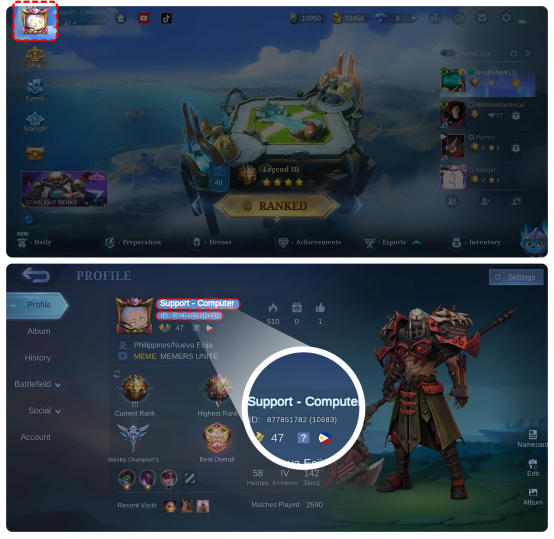
How to obtain your MLBB UID and Character Name?
Refer to the below screenshots for your MLBB UID and character name:
Note
The format of UID is: XXXX (xxx), please make sure to fill in it completely when you top up ML Diamond on Treabar .
About Mobile Legends
Mobile Legends is a mobile multiplayer online battle arena (MOBA) game that was launched in 2016. It quickly gained immense popularity worldwide.
This widely acclaimed game revolves around PvP (Player vs. Player) combat, with teams of up to 5 players. The main objective is to destroy the enemy's tower while defending your own. Victory in Mobile Legends heavily relies on your abilities, skills, and strategic thinking.
What are Mobile Legend Diamonds and How to Get Them?
Mobile Legend Diamonds (MLBB Diamonds) are the in-game currency, allowing you to enhance your gameplay. With MLBB Diamonds, you can buy heroes without having to collect coins and get the newest skins to make your favorite character look cooler on the battlefield.
The only way to obtain Mobile Legends Diamonds is by purchasing them with real money. However, buying Mobile Diamonds in-game can be expensive. This has led many players to play without skins and skill boosts that could actually help them, which is unlucky for fans of the game.
Fortunately, there is an alternative option for you: Treabar ML Diamonds top-ups. Our prices for MLBB top-ups are considerably cheaper, enabling you to add more cosmetic variations to your account. What's more, you can still get your diamonds quickly with our fast delivery service.
Why You Should Top Up ML Diamonds on Treabar ?
Treabar prioritizes the safety of every purchase. We implement the latest encryption technology to ensure secure transactions and protect against any fraudulent activities. With over 100 payment options available on our website, you can choose the most convenient and trusted methods like GrabPay and Boost for your top-up.
Treabar provides cheap, safe, and reliable Mobile Legends Diamond top-ups. You can purchase Mobile Legends Diamonds at a low price and receive them quickly. Users can promptly receive the purchased Mobile Legends Diamonds in the game. If you have any questions, Treabar provides 24/7 online customer service.
How to Top up ML Diamond on Treabar ?
Follow these steps to top up ML at Treabar .com:
1. Choose your preferred language and currency type.
2. Log in to your Treabar account or sign up if you don't have one.
3. Click Home > Top-up > Mobile Legends: Bang Bang.
4. Enter your MLBB UID.
5. Select the amount of Diamonds you want to buy.
6. Click "Top-up Now".
7. Choose your preferred payment method.
8. Click "Pay Now" to complete the payment.
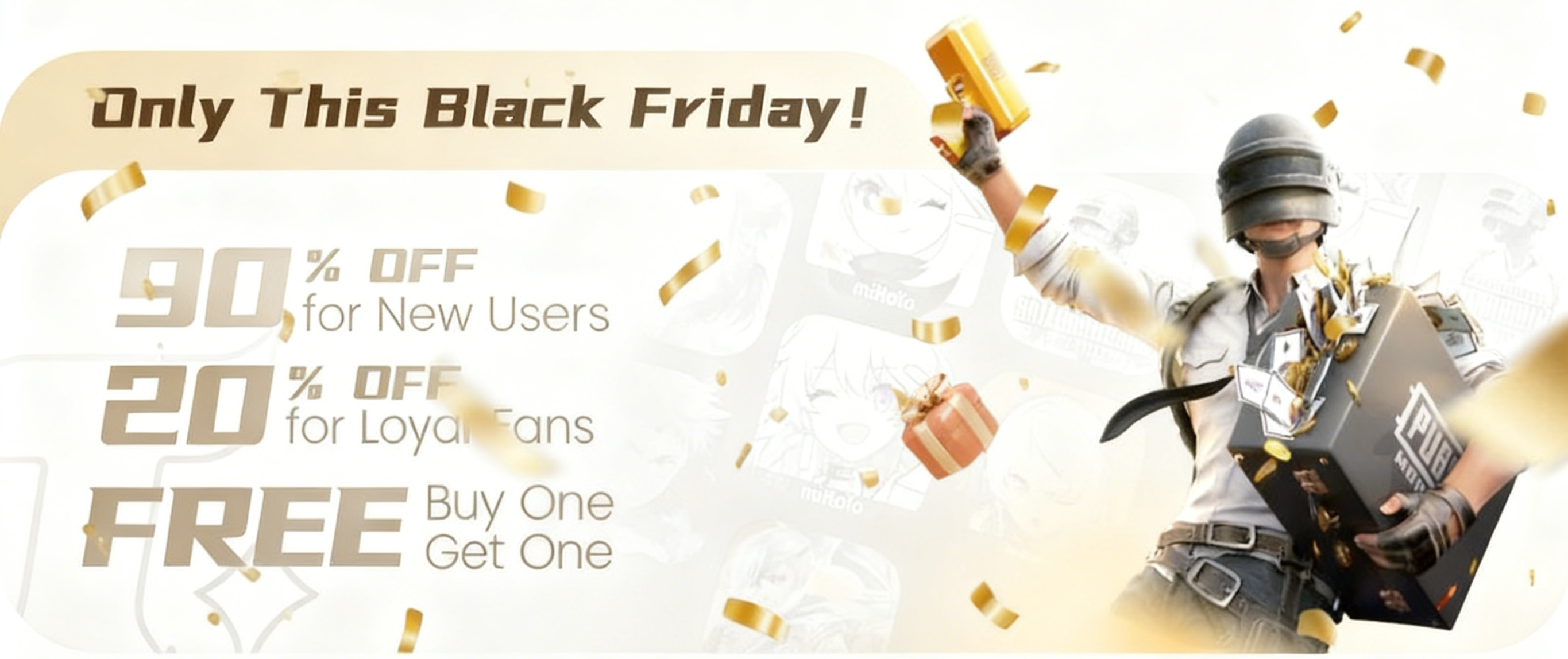
The biggest shopping frenzy of the year is finally here, and Treabar is rolling out our most exciting Black Friday deals yet! Massive discounts, exclusive rewards, and a chance to win big—this is an event you definitely don’t want to miss. 📅 Event Duration Hong Kong Time: 🕛 Nov 27, 00:00 → Dec 1,
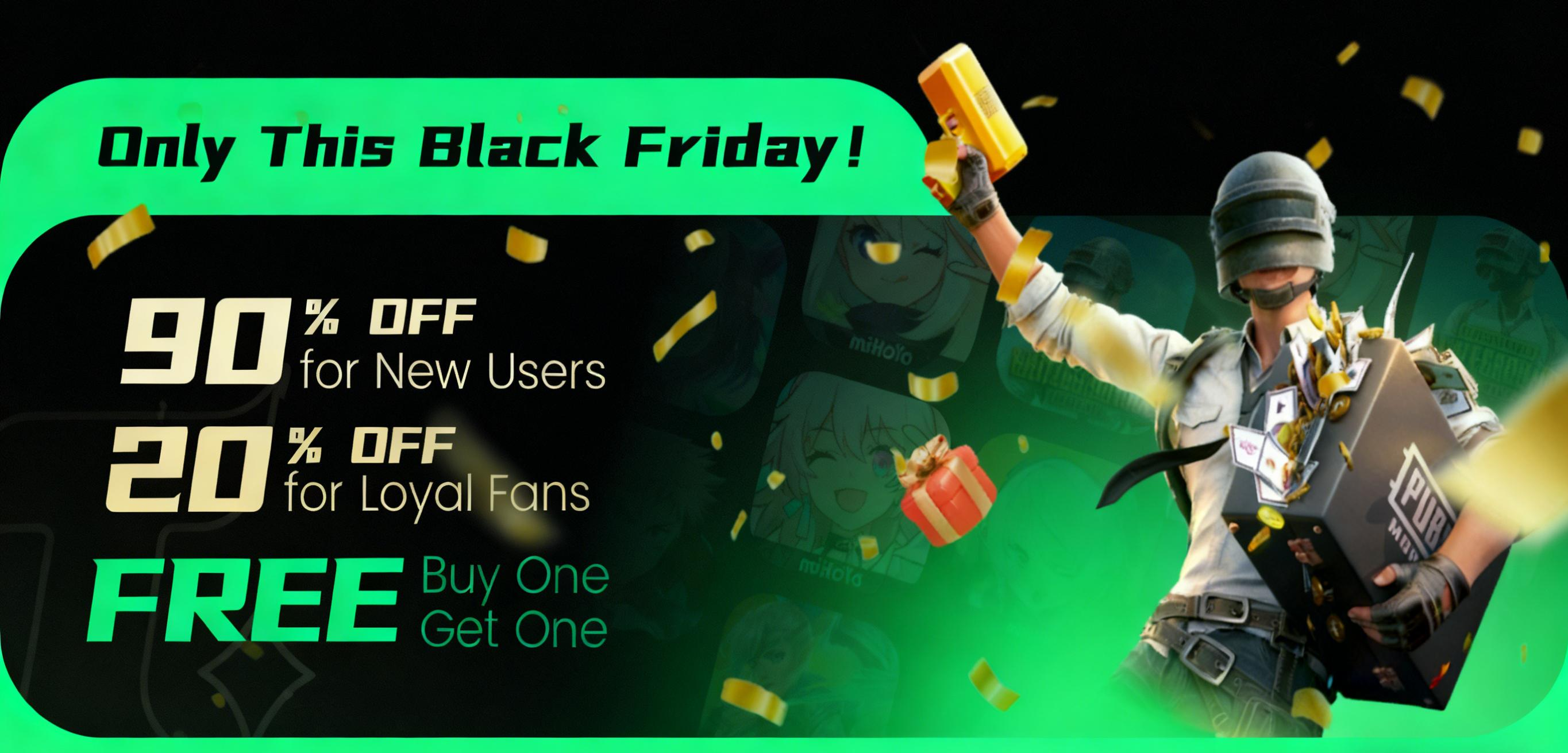
News · Guide · Event 2025-11-21 Get ready—the biggest shopping season of the year is just around the corner! To celebrate Black Friday, Treabar is rolling out a lineup of unbeatable promotions designed to bring you huge savings and exciting rewards. This limited-time event runs from: 📅 November 27,
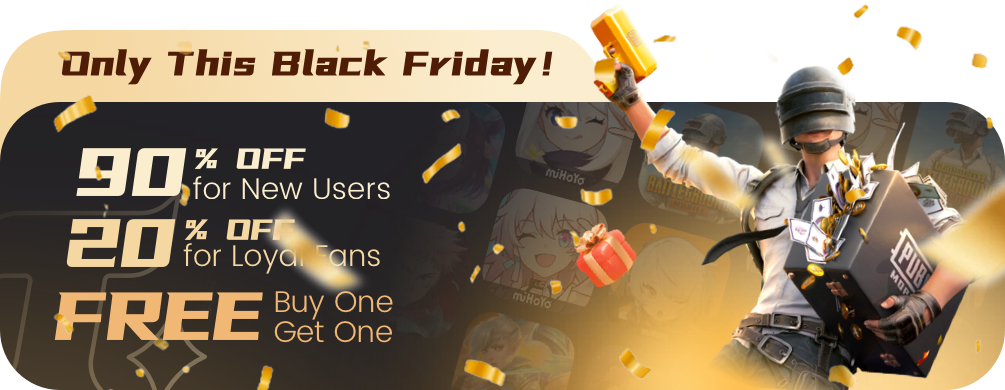
Get ready—the biggest shopping season of the year is here! To celebrate Black Friday, Treabar are launching a series of unbeatable promotions designed to bring you massive savings and exciting rewards. This limited-time event runs from: 📅 November 27, 00:00 → December 1, 00:00 (Hong Kong Time) 📅