
เซิร์ฟเวอร์
 Global
Top-up instructions
Brawl Stars Top-Up Guidance
Please be sure to fill in the required Brawl Stars information accurately to prevent your Gems recharge from not being credited in time.
Applicable Platform
Mobile game
Applicable Server
International server
Brawl Stars Top-Up Information
1. Supercell ID E-mail
2. Character Name
3. Verification Code
(Please ensure your player tag is bound to the Supercell ID before Brawl Stars top-up)
Top-Up Reward
If you are recharging the Brawl Stars for the first time, you will receive additional in-game recharge rewards. Please refer to the in-game recharge rules for details.
Top-Up Result
After the Brawl Stars Gems recharge is successful, you can check the Gems in the game.
How to Obtain Supercell ID E-mail and Character Name?
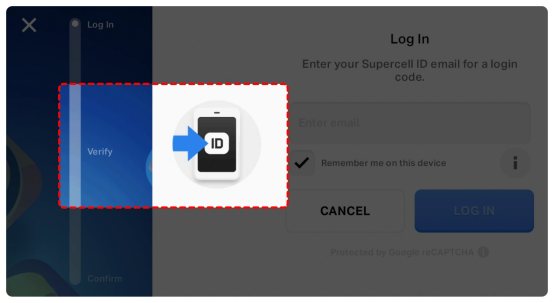
To obtain the Supercell ID email, please click the icon in the left corner
Click the Open ID button to enter the Supercell ID page to view your character name and your Supercell ID account
Here you can find your Supercell ID email
Please enter the Supercell ID page and click "Log Out" to log out of the game during the top up process
Then open the game and click “Log in with Supercell ID” to log in. After clicking “Log in with Supercell ID”, enter your login email and provide the verification code received in your login email.
Top-up Procedures
1. Place your order and complete the payment.
2. Please provide your account information after the payment for us to log in and complete the top-up. Please do not log in to the game during this process.
3. We will purchase/top up the items in the game based on the product you ordered.
4. After we complete the purchase/top-up, we will log out of your account and clear the login history.
5. You will receive a notification once the top-up is complete, and you can then log in to the game to verify the transaction.
What is Brawl Stars
Brawl Stars is a third-person hero shooter MOBA game for both iOS and Android. The game is developed by Finnish video game company Supercell, globally published by the same company on December 12, 2018. It offers various game modes, each with unique objectives.
In this game, players choose their preferred characters called Brawlers from a diverse roster and control them with on-screen joysticks in a game match.
Why top up Brawl Stars on Treabar?
Treabar is an international professional and secure gaming transaction platform, offering services including game top-ups, account trading, item trading, and more.
Our safe and convenient services for global players support popular games like Brawl Stars, Genshin Impact, PUBG, Free Fire, Clash of Clans, and Clash Royale. Plus, we provide 24/7 online customer service and various payment methods.
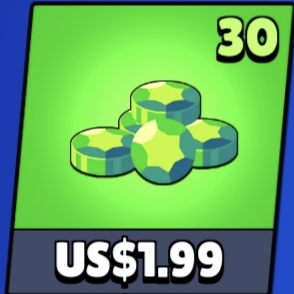
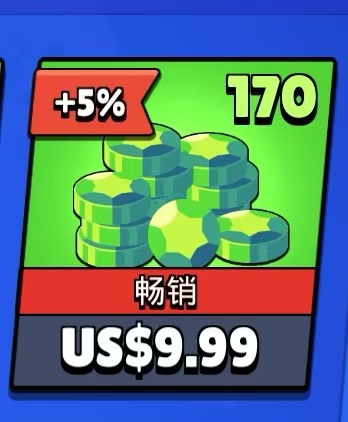
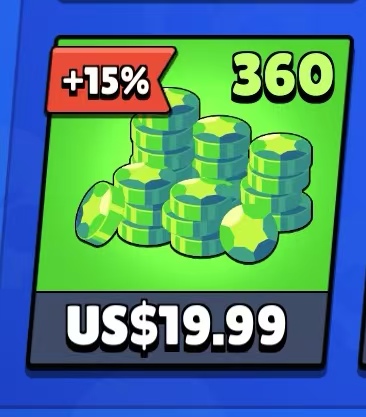
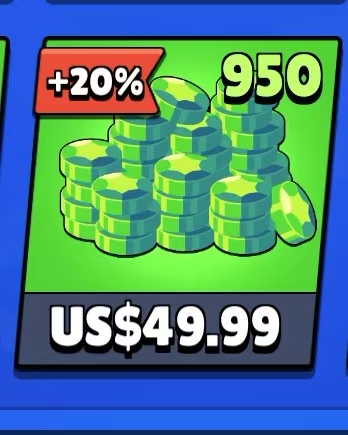
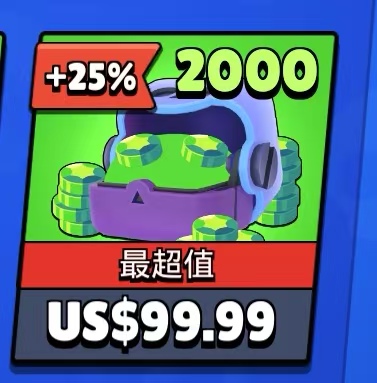
If you're looking for lower pricing, we've got you covered. Besides occasional promotions, each game has different discount levels. For instance, Brawl Stars Gems top-ups can enjoy discounts of up to 15%.
How to top up Brawl Stars on Treabar
1.Follow these steps to top up Brawl Stars on Treabar:
2.Log in to your Treabar account or sign up if you don't have one.
3.Enter your Brawl Stars Player Tag.
4.Choose the amount of Gems you want to purchase and click "Top-up Now".
5.Select a preferred payment method, then click "Pay Now" to complete the transaction.
6.After payment, your Gems will be credited to your Brawl Stars account.
The collaboration between Brawl Stars and Subway Surfers introduces a brand new gameplay mode: Subway Escape. This mode not only tests your skills but also requires exceptional reflexes and strategy. Unlike traditional Brawl matches, Subway Escape emphasizes speed, maneuverability, and the use of
Brawl Stars is a globally popular multiplayer action mobile game from Supercell. Players can redeem officially released promotional codes, QR codes, and Creator Codes for a wealth of rewards, including gems, gold, skins, and exclusive items. Since most of these codes are time-limited or can only be
Brawl Stars is a globally popular multiplayer competitive mobile game developed by Supercell, attracting a large number of players with its fast-paced combat and rich character system. To enhance the player experience, Supercell regularly releases redemption codes, QR codes, and Creator Codes,